Hi, how can we help you?
Popular workflows
Deliver a project
Move a project from draft and estimate through approval, review, and final delivery.
Set up Link with Notion
Duplicate the Link template, connect the copied root page, and open your first client portal.
Share a client overview
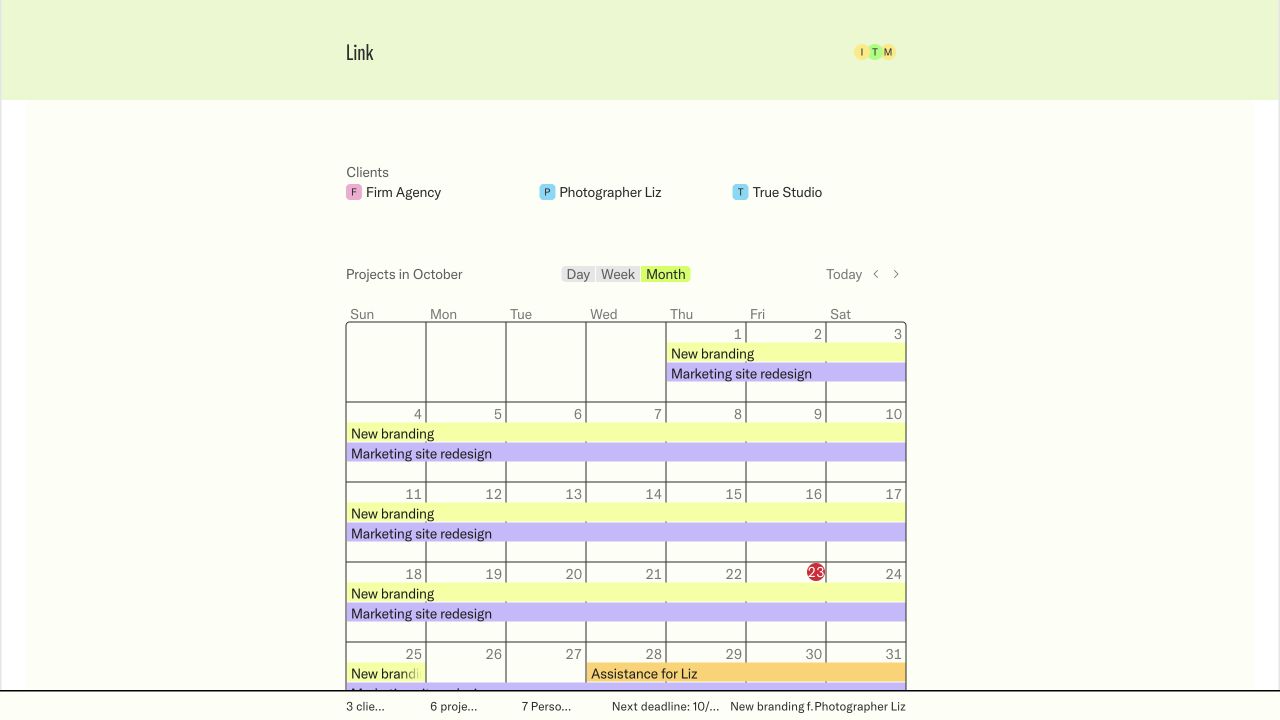
Give a client one calm view of active projects, dates, people, and status.
Review and approve an estimate
Let a client admin inspect the price, comment, and approve without leaving the portal.
Control page visibility
Keep internal notes private while sharing the project material a client needs.
Brand your workspace
Set the company name, color, typography, logo, and client-facing language.
Browse every workflow
Get started
Deliver client work
Work with clients
Public pages
Access & visibility
Customize Link
Notion connection
Help for clients
Make sense of the Link you received.
Find the work, understand what the company shared, and take the next step with confidence.
Start with what you need to do
Open a Link you received
Understand what was shared with you and take the right first step, whether the page is public or private.
Sign in to private work
Use the invited email, enter the sign-in code, and return to the company workspace that invited you.
Find your way around
Move between the client overview, projects, pages, dates, people, and the work shared with you.
Review a project
Read the current status, scope, dates, tasks, files, and handover notes without hunting through old messages.
Review and approve an estimate
Let a client admin inspect the price, comment, and approve without leaving the portal.
Share a Link with a teammate
Know when a link can be forwarded, when your teammate needs an invitation, and who can change access.